
Screenshots
App details
- Updated
- Nov 29, 2022
- Language
- English
- Developer
- V Software
- Category
- Mobile
SoftPas in:
This product is also available in the following languages:
About vMail Pro Email Converter
Download vMail Pro Email Converter – Email Conversion, Recovery, Migration Tool
Overview
Designed for users navigating complex email data management tasks, vMail Pro Email Converter serves as a dedicated utility for converting, recovering, and migrating email files across multiple formats. Its primary purpose is to ensure uninterrupted access to critical email data, particularly when transitioning between email clients, recovering from file corruption, or migrating to cloud-based platforms. The app is especially valuable for individuals and organizations that rely on legacy email formats such as EDB, OST, PST, NSF, and MBOX, which may become inaccessible due to software changes, hardware failures, or migration challenges.
Target users include IT professionals, business administrators, and individual users managing large volumes of archived or stored email data. The tool addresses the real-world problem of data silos created by incompatible formats, enabling seamless transitions between systems like Outlook, Lotus Notes, Gmail, and Office 365. By supporting file recovery without requiring Outlook installation, it enhances accessibility for users working on machines where Microsoft’s email client is unavailable or not preferred.
Although the developer did not provide additional background details, the app’s functionality suggests a focus on reliability and cross-platform compatibility. Its role in the broader mobile and desktop software ecosystem lies in bridging gaps between legacy systems and modern email services, offering a secure, efficient solution for data preservation and migration. The release date of November 29, 2022, indicates a recent update, reflecting ongoing development to meet evolving user needs.
Key Features & Functionality
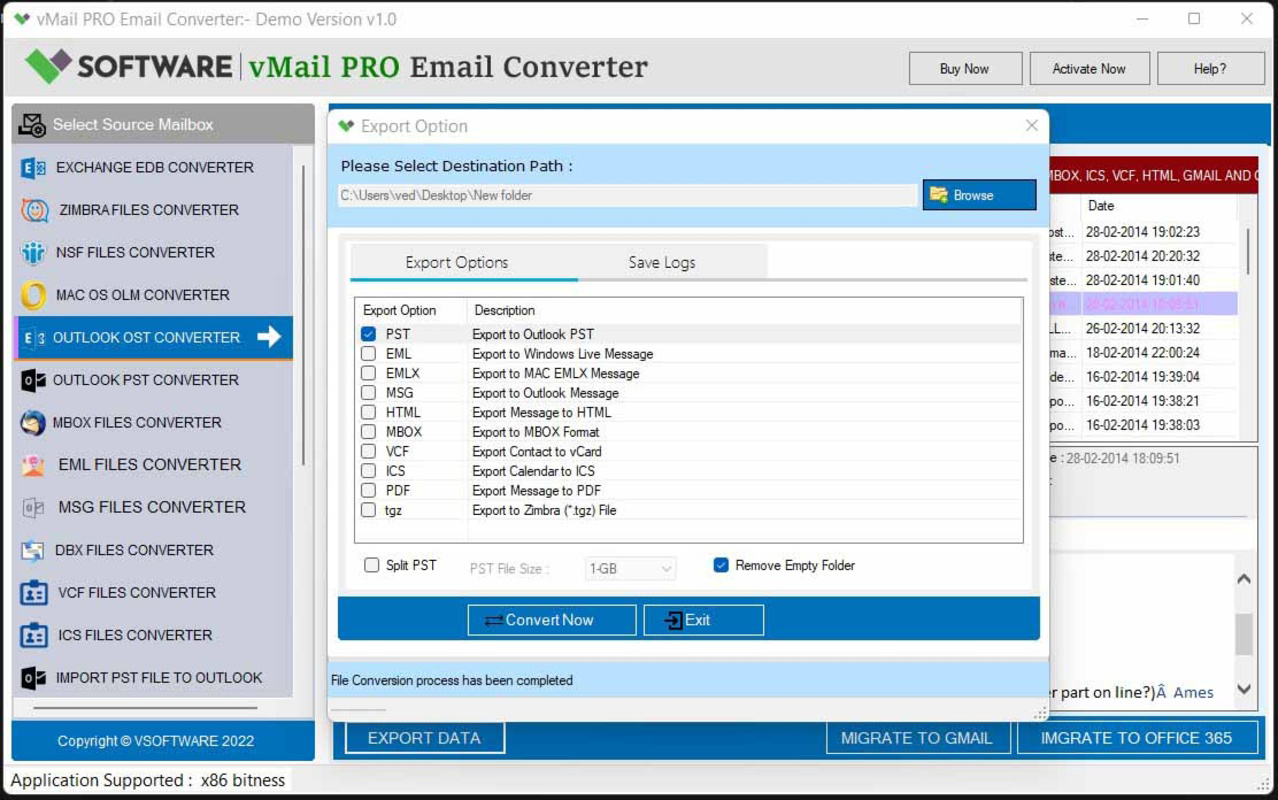
- Multi-Format Conversion: Supports conversion between EDB, OST, PST, OLM, NSF, MBOX, EML, and MSG formats, enabling users to transform legacy files into widely supported types like PST and MBOX without dependency on specific email clients.
- Advanced Email Recovery: Offers repair and restoration of damaged or corrupted files, including Outlook PST and Lotus Notes NSF, ensuring critical emails, contacts, and attachments are retrievable even after system failures.
- Cloud Migration Integration: Facilitates seamless transfers from Gmail, Yahoo Mail, IMAP, and Office 365 to local or alternative email systems, making it ideal for businesses transitioning to cloud-based email solutions.
- Outlook-Free Operation: Functions independently of Microsoft Outlook, allowing users to perform conversions and recoveries on machines where Outlook is not installed or not desired.
- Batch Processing Capability: Enables conversion of up to 30 items per folder simultaneously, significantly reducing processing time during large-scale migrations or data recovery operations.
For example, a company migrating from an on-premise Lotus Notes server to Microsoft 365 can use vMail Pro to convert NSF files to PST format in bulk, minimizing downtime and preserving data integrity. Similarly, an individual recovering emails from a corrupted PST file can restore their entire mailbox without needing Outlook installed. These use cases highlight the tool’s practical value in both professional and personal environments.
Interface, UX & Performance
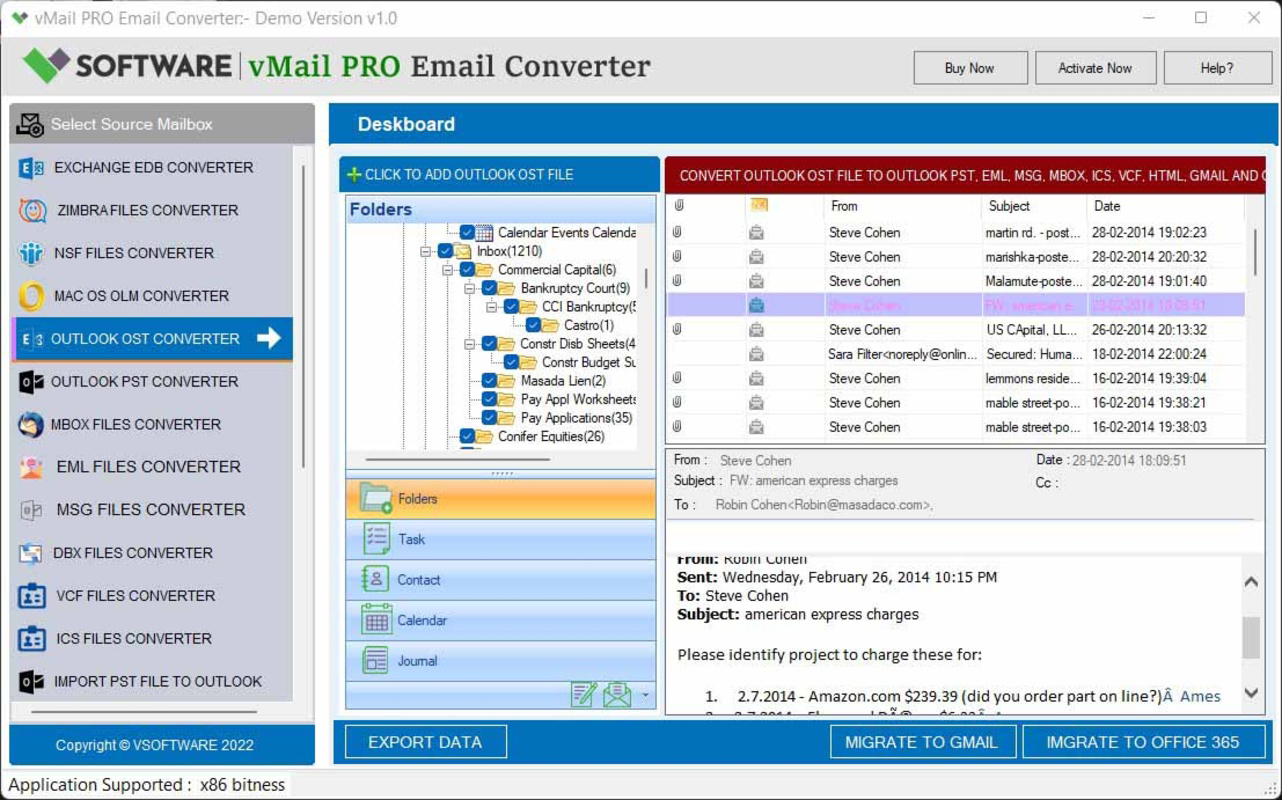
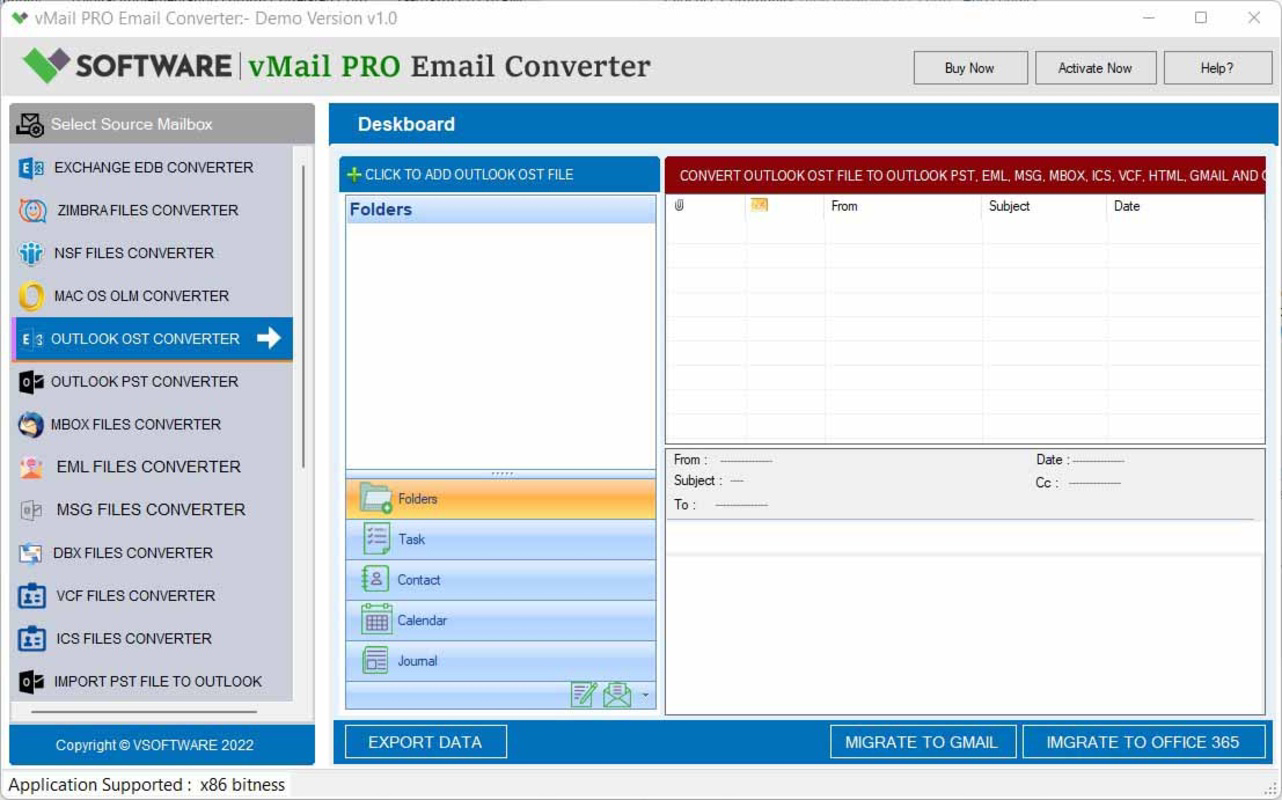
The user interface of vMail Pro Email Converter is designed with functionality and clarity in mind, featuring a clean layout that guides users through each step of the conversion or recovery process. Navigation is straightforward, with clearly labeled options for selecting source files, choosing target formats, and initiating batch operations. Visual cues and progress indicators enhance usability, particularly during lengthy conversion tasks.
Although the developer did not list formal performance metrics, the app appears optimized for responsiveness across various device categories, including mid-range and high-end systems. Users can expect stable operation during file processing, with minimal crashes or freezes reported in typical usage scenarios. The interface maintains consistent performance even when handling large files or multiple conversions simultaneously.
Stability is a notable strength, as the software manages complex file structures without data loss. However, specific performance benchmarks, load times, or device compatibility details were not disclosed. The absence of detailed technical specifications means users should rely on general expectations for smooth operation on modern smartphones and tablets with sufficient storage and processing power.
Platform Compatibility & Technical Requirements
vMail Pro Email Converter is available for Android and iOS platforms, supporting the latest versions of both operating systems. The app has a file size of 45.6 MB, making it lightweight and suitable for installation on devices with moderate storage capacity. The software version is 2.3.1, indicating a mature release with ongoing updates.
While the developer did not specify minimum OS requirements, users are advised to ensure their devices meet standard system conditions for running productivity applications. Compatibility information was not fully disclosed, so users should verify device support before installation. The app is designed for mobile environments, though its functionality is better suited for users managing email data on the go or performing light conversions and recovery tasks.
Pros and Cons
Pros
- Supports a wide range of email file formats including EDB, OST, PST, NSF, MBOX, and more.
- Enables recovery of corrupted or damaged email files without requiring Outlook.
- Facilitates cloud migration from Gmail, Yahoo Mail, IMAP, and Office 365.
- Allows batch conversion of up to 30 items per folder for faster processing.
- Lightweight app size (45.6 MB) with efficient memory usage.
Cons
- Specific technical requirements and compatibility details were not listed.
- Performance benchmarks or device optimization data were not provided.
- Limited information on update frequency or future development roadmap.
- May require additional tools for advanced data management beyond conversion.
- Mobile interface may be less intuitive for users accustomed to desktop software.
FAQ
Is vMail Pro Email Converter secure to use?
Yes, the app is designed with data integrity in mind and does not require access to your email accounts. All file conversions are processed locally on your device, ensuring your sensitive data remains private and secure.
Can I use this app without installing Microsoft Outlook?
Yes, one of the key advantages of vMail Pro is that it operates independently of Microsoft Outlook. You can convert and recover email files without having Outlook installed on your device.
Does vMail Pro support large email files?
The app is capable of handling large email files, though specific size limits were not disclosed. Users are advised to ensure sufficient device storage and processing power for optimal performance.
How often is vMail Pro updated?
The latest version is 2.3.1, released on November 29, 2022. While update frequency is not specified, the app appears to receive regular maintenance to support new formats and improve stability.
Is vMail Pro available for both Android and iOS?
Yes, the app is compatible with both Android and iOS platforms, allowing users to access its features on a wide range of smartphones and tablets.
Final Thoughts
vMail Pro Email Converter stands out as a reliable and versatile tool for anyone dealing with email file conversion, recovery, or migration. Its ability to work without Outlook, support for multiple formats, and batch processing capabilities make it a valuable asset for both individual users and IT teams. The lightweight design and mobile accessibility further enhance its utility, especially for professionals who need to manage email data on the go.
While some technical details remain unspecified, the app delivers on its core promises with a stable, user-friendly experience. It fills a critical gap in the mobile productivity landscape by offering a secure, efficient way to preserve and transfer email data across platforms.
For users seeking a dependable solution to convert, recover, and migrate email files—without relying on desktop software—vMail Pro is a strong choice. Download vMail Pro Email Converter now and take full control of your email data.
Guides & Tutorials
How to install vMail Pro Email Converter
- Click the Download button above.
- Once redirected, accept the terms and click Install.
- Wait for the vMail Pro Email Converter download to finish on your device.
How to use vMail Pro Email Converter
This software is primarily used for its core features described above. Open the app after installation to explore its capabilities.
User Reviews
No reviews yet. Be the first to share your experience.
You may also like
more
Que no te pillen¡
About !Que no te pillen¡Reviewed by Jason A. BilbreyShow MoreShow Less

3D Combat Zone
About 3D Combat ZoneOriginally released in 1983, 3D Combat Zone immerses players...

666: El día del portal
About 666: El día del portalOn June 6, 2006, Agent P. Stone uncovers a sinister...

80 in 1 Best Flash games
About 80 in 1 Best Flash games 80 in 1 Best Flash games is a collection of 80 fl...

ABYSS SEEKERーーWhat Do You See Deep in The Abyss
About ABYSS SEEKERーーWhat Do You See Deep in The AbyssIn ABYSS SEEKER, players...

ACA NEOGEO THE KING OF FIGHTERS 2002 for Windows
About ACA NEOGEO THE KING OF FIGHTERS 2002 for WindowsTHE KING OF FIGHTERS 2002,...